
I recently installed a couple of Connections 8 test environments using the ansible automation scripts and they work fine, but one of the issues is that the installation of Huddo Boards happens from the HCL provided source files or from their Harbor ( if you use the new script). In both cases you are facing an older version of Huddo Boards than the one on our ISW resources.
We have documented how to connect to our version, but that documentation is focused on a manual install of Component pack and connecting to our systems from the start. I want to show how to do it if Boards is already installed and running using the automation scripts. You can obviously follow this guide if you did a manual install and connected to the HCL resources, I am just mentioning some specifics about the HCL automation you can ignore.
Once Connections and Component pack are installed, boards is up and running on the latest image that is included in the Component Pack through HCL. The most recent version of Huddo Boards lives on our Quay.io system and it might be worth connecting to it and get the latest features and fixes. As you can see on this link, we do release updates frequently.
- First step is to register on Quay.io and send us a note to get access to our repository. To do so go here and create an account. Once you have created your account, send us an email at support@huddo.com requesting access to the Huddo Boards Docker repository, please include your Quay.io account name in the email. Once you are added we will let you know.
- You got the great news you have been added from us… then you are ready for the next step. Create a secret in Quay.io to use in Kubernetes. To do so perform the following steps:
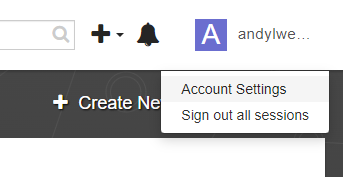
- Open Quay.io, In the user menu, click on
Account Settings
- Open Quay.io, In the user menu, click on
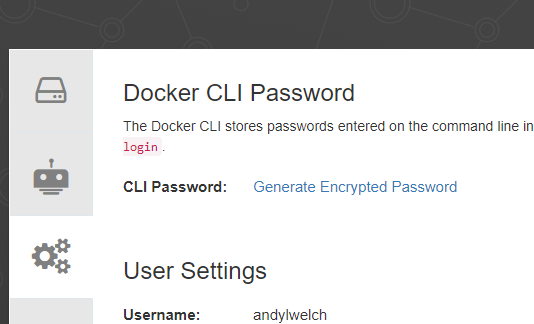
- Click
Generate Encrypted Password
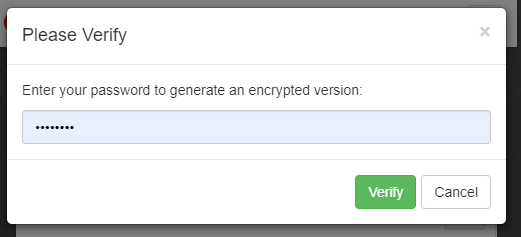
- Enter your password and click
Verify
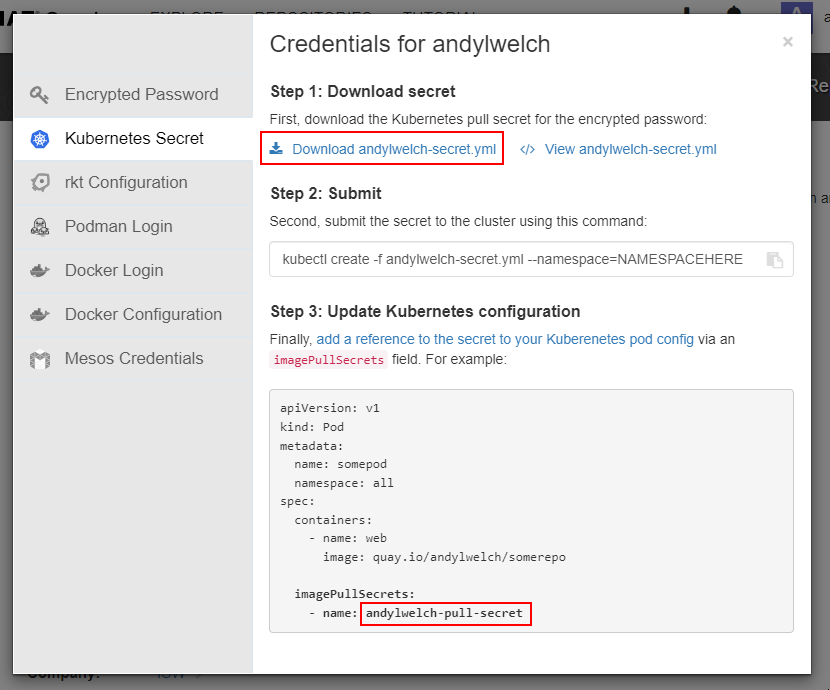
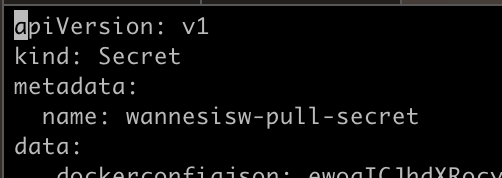
- Download the secret.yml file. Take note of the name of the secret for later use
- First thing to do is to make sure you have the latest extensions installed as documented here
This has nothing to do with the topic but the extensions contain some new features for Connections 8 and a fix for downloading files from a board through the community widget. - Another thing that does not happen out of the box with the ansible scripts from HCL is adding the Community widgets for classic communities and highlights. Go here and execute the steps in “Community Widget” and “CEC (Community Highlights)”
- Now off to the real stuff, create a secret in k8 using the secret you generated in Quay.io, I copied the username-secret.yml file to /home/root/generated_charts
kubectl create -f username-secret.yml --namespace=connections - Download the boards-cp.yaml file from our website.
I saved it to /home/root/generated_charts as that is where all the other charts are saved by the ansible scripts.
Update the settings to match your environment. In my case I updated:ImageTag: 2023-01-24
APP_URI: https://cnx8.ramsit.lab/boards
API_GATEWAY: https://cnx8.ramsit.lab/api-boards
imagePullSecr
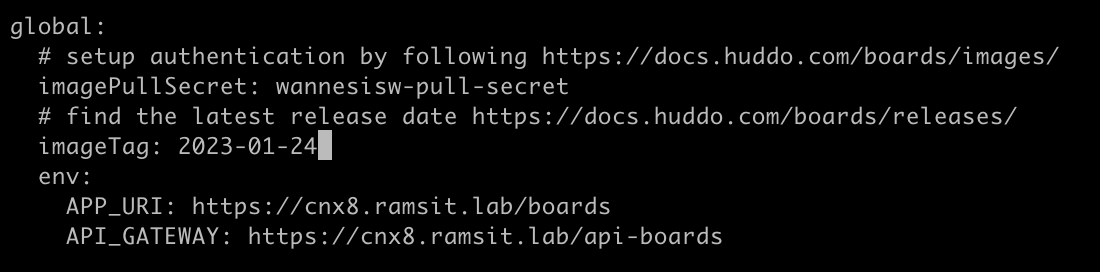
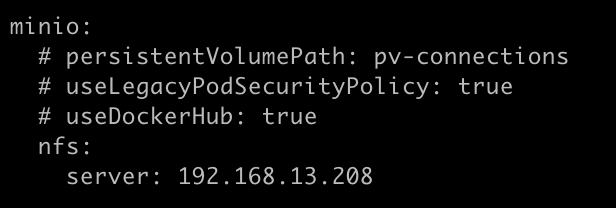
- server: your nfs server host
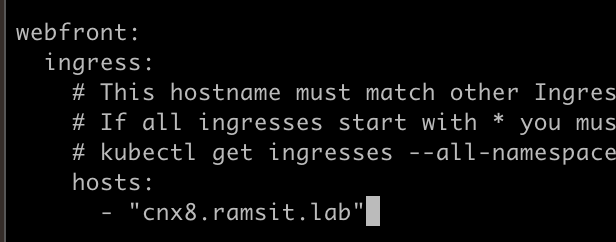
hosts: cnx8.ramsit.labyour connections front end url
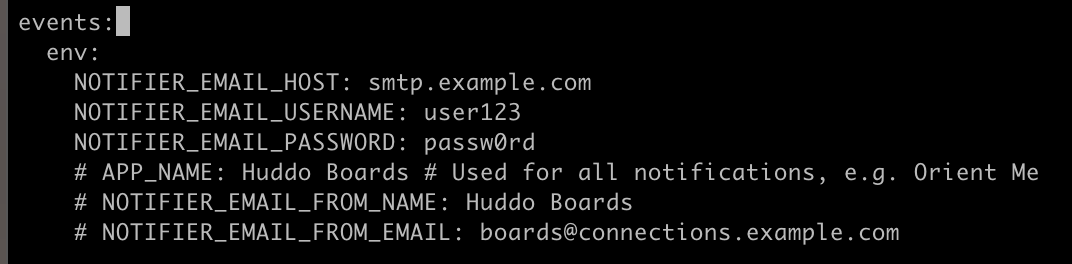
- Update your smtp settings to match your mail servers, I don’t have any as it is a test environment
hosts: cnx8.ramsit.labyour connections front end url
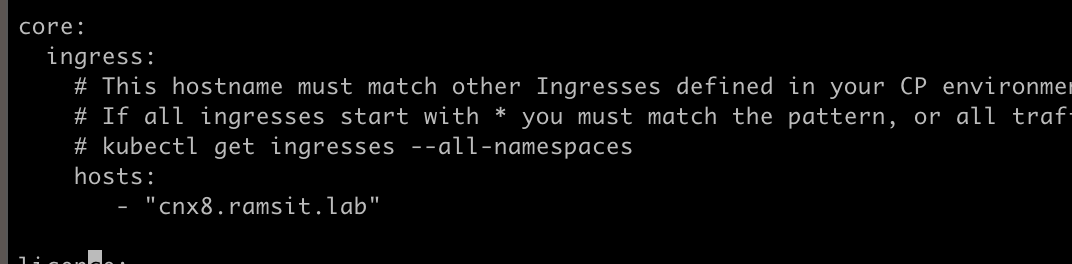
license:make sure you copy your license key from your previous yaml file- If you have Activities data to migrate, you need to make sure the migrate section is up to date as well. This is out of scope for this article.
- Now delete your current Kudos Boards deployment, this is needed because the name has changed to Huddo Boards and the deployment names and helm chart names do not match.
helm delete kudos-boards-cp - Another change in recent release is an access rights change. Go to your nfs server and go to the following directory
cd /pv-connections/kudos-boards-minio/
chown 1000:1000 -R . - Finally redeploy Huddo Boards
helm upgrade huddo-boards-cp https://docs.huddo.com/assets/config/kubernetes/huddo-boards-cp-1.1.0.tgz -i -f /home/root/generated_charts/boards-cp.yaml --n connections
You should get a result like this. Don’t worry about the warning messages on the MONGO_HOST. This is due to a change HCL made recently and can safely be ignored.
